
Brand · logos · images
Press kit
Logos, the app icon, colours and images for writing about Tapelark.
Writing about Tapelark? The press release answers what it is for, who it is for and what is new about it, with images free to publish.
Tapelark in one paragraph
Tapelark is a Mac app that records the audio your Mac is already playing — music apps, browser tabs, internet radio and podcasts — and keeps it in a library of your own, as ordinary audio files that are split into tracks, named and tagged while they record. It is made by Victor Antofica, an independent developer in Switzerland, and sold as a one-time purchase with a free 14-day trial. Tapelark is for private use: nothing is uploaded, and it never gets around copy protection.
Demo clip
Thirteen seconds, without sound: the cassette turns while Tapelark records two apps; then a TV channel is played, recorded and saved in the library, which is new in Tapelark 1.6. The clip is made from the app's own screens with sample content: the apps, songs and channels in it are invented. Free to publish with an article about Tapelark.
Download: MP4 (1424 × 994) · GIF (960 × 670) · in German: MP4 · GIF
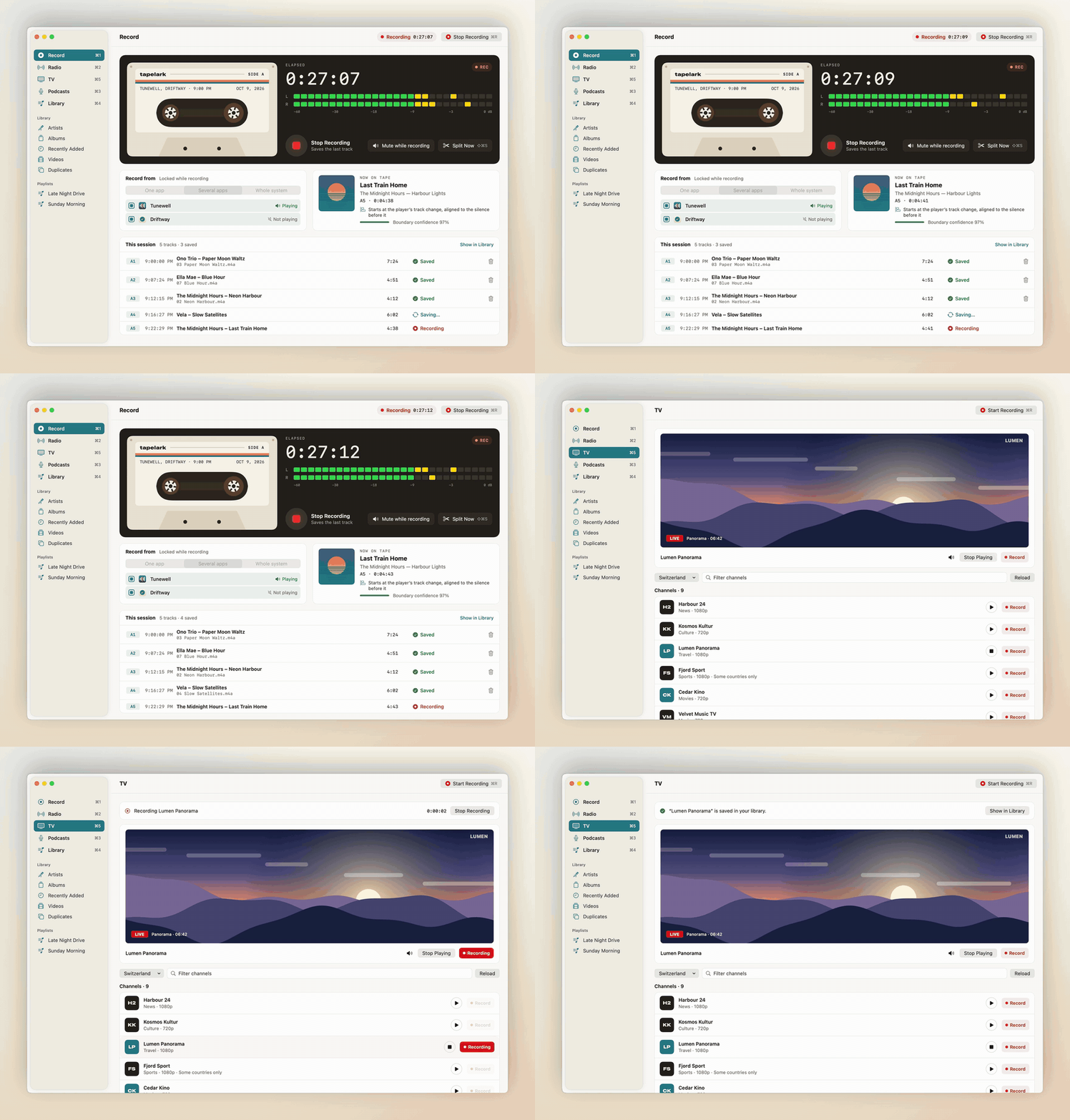
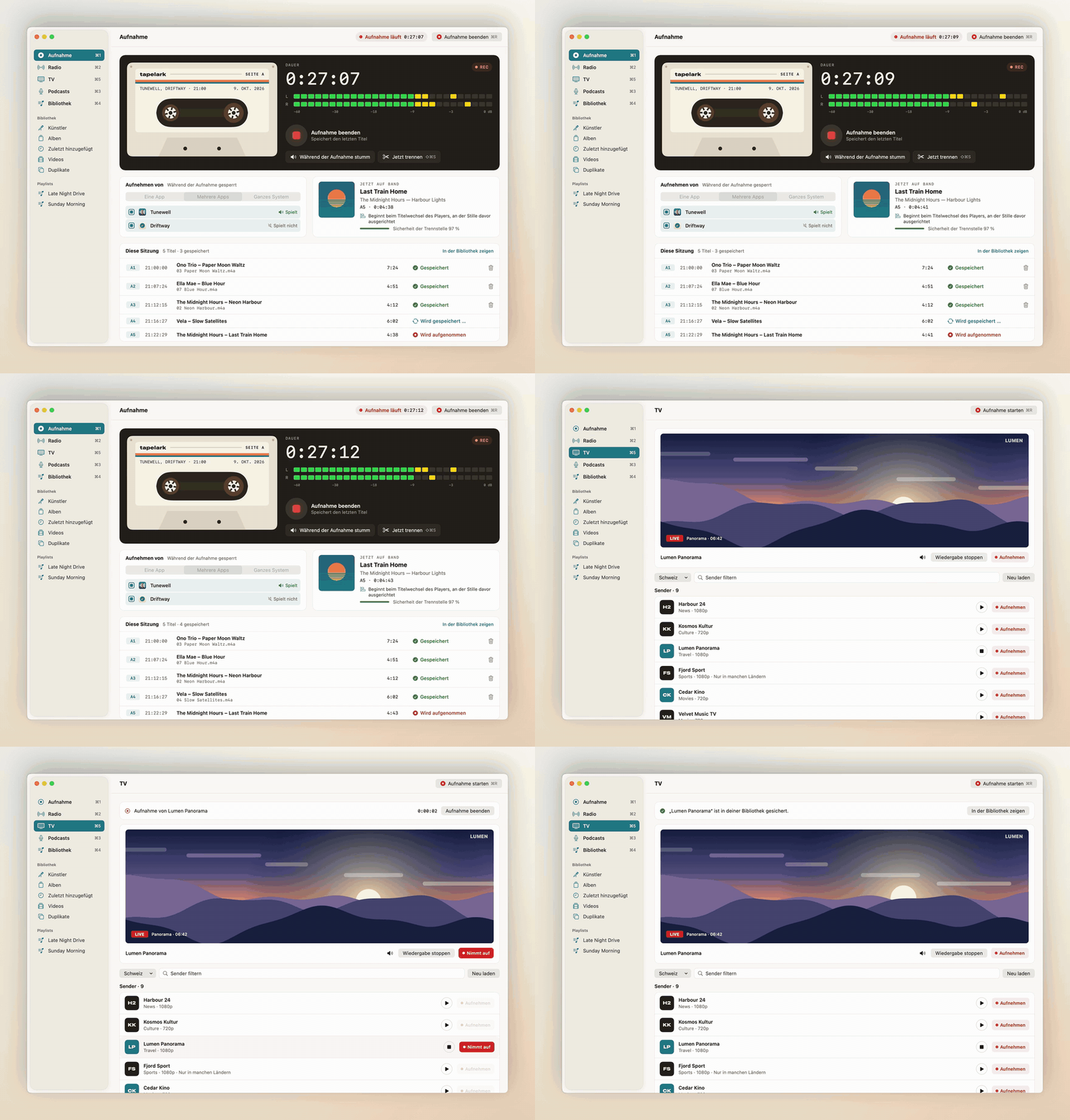
Tapelark for Linux
Since 20 October 2026 Tapelark also runs on Linux: a Flatpak for PipeWire desktops with GNOME or KDE Plasma, on x86_64 and ARM, from tapelark.com/linux. It records what the computer plays, from one app, several apps or the whole system, with track names from players that announce them. Tapelark for Linux is part of Tapelark Pro: one licence, one key, for the Mac and Linux computers of one person; it is also sold on its own, as a licence for Linux only. Pro's own features (window video, Isolate Voice, Smooth Motion, Enhance Picture) are on the Mac only for now.
Launch images, free to publish with an article about Tapelark. Click an image for full size, or download them all as one ZIP file: tapelark-linux-images.zip.
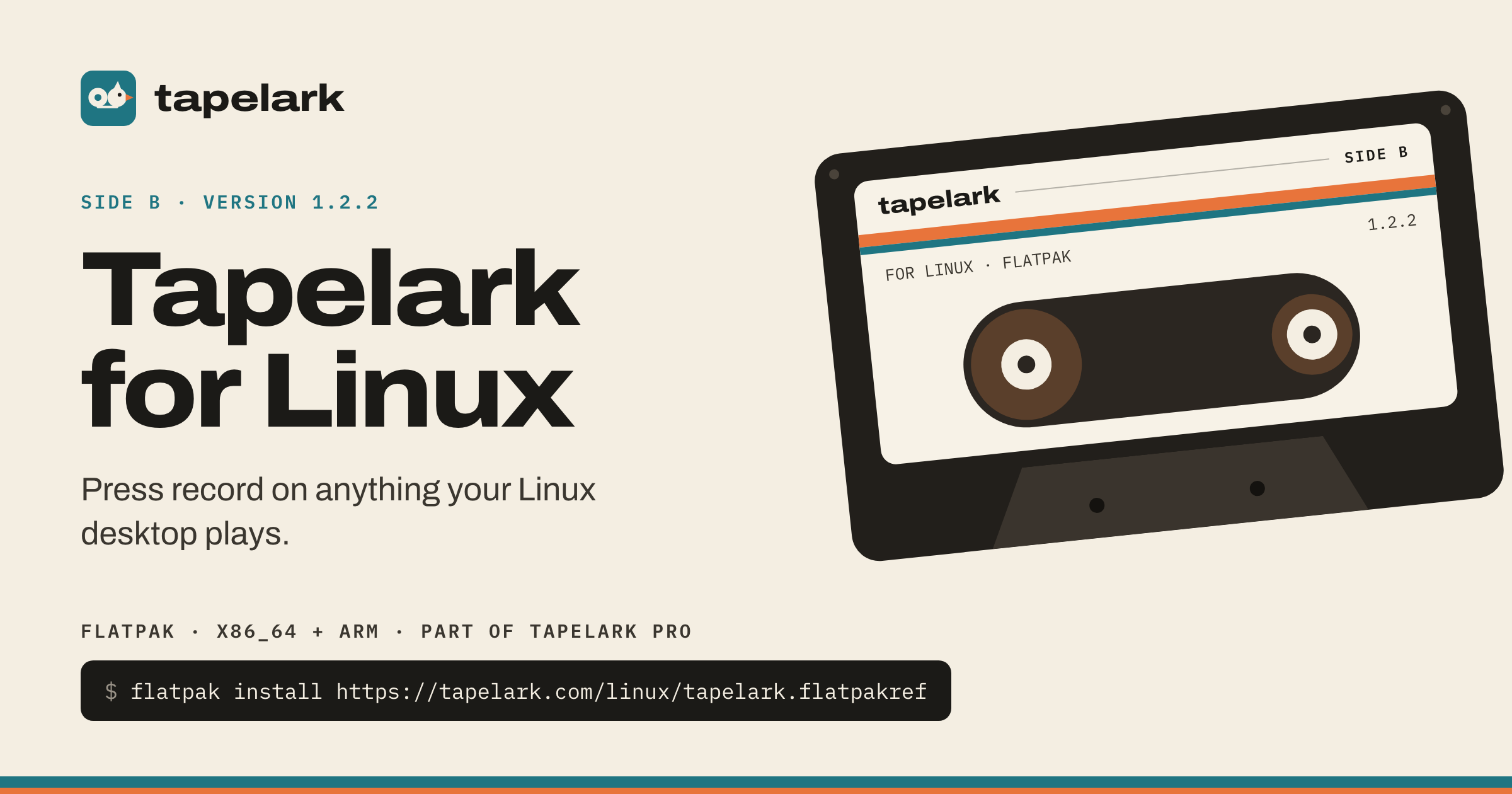
Share image, Linux, light2400 × 1260 PNG
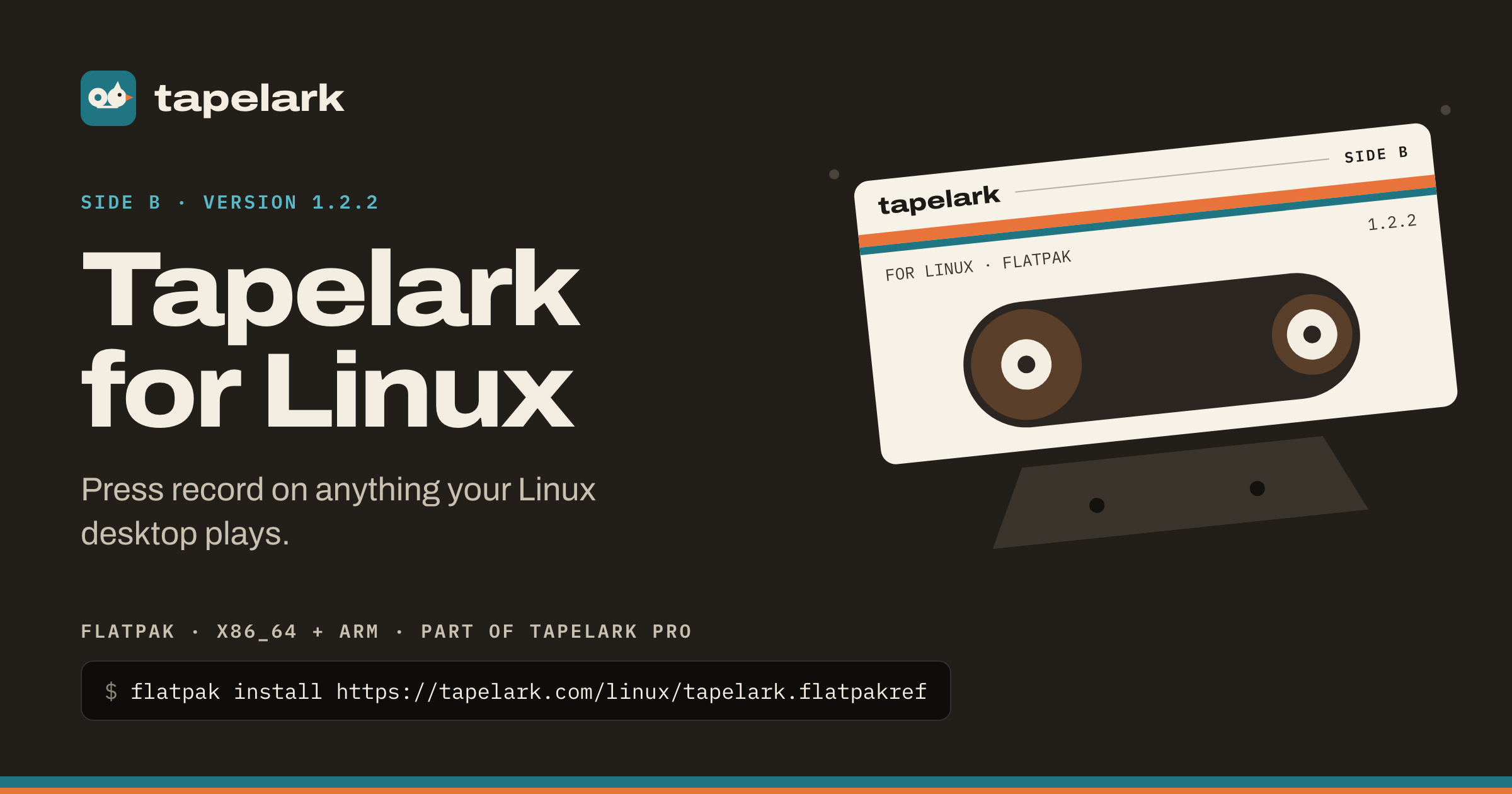
Share image, Linux, dark2400 × 1260 PNG
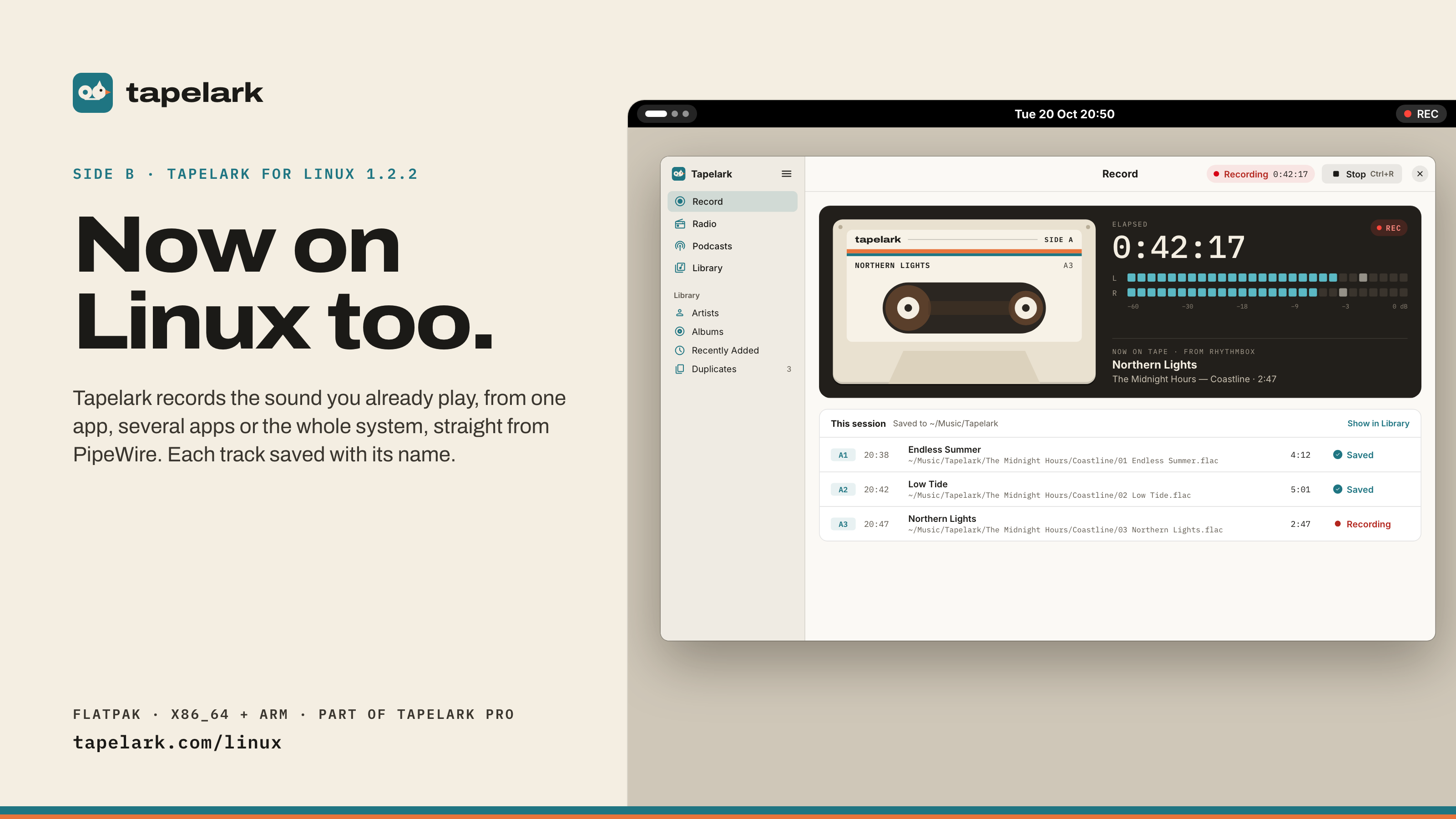
Post 16:9, light3200 × 1800 PNG
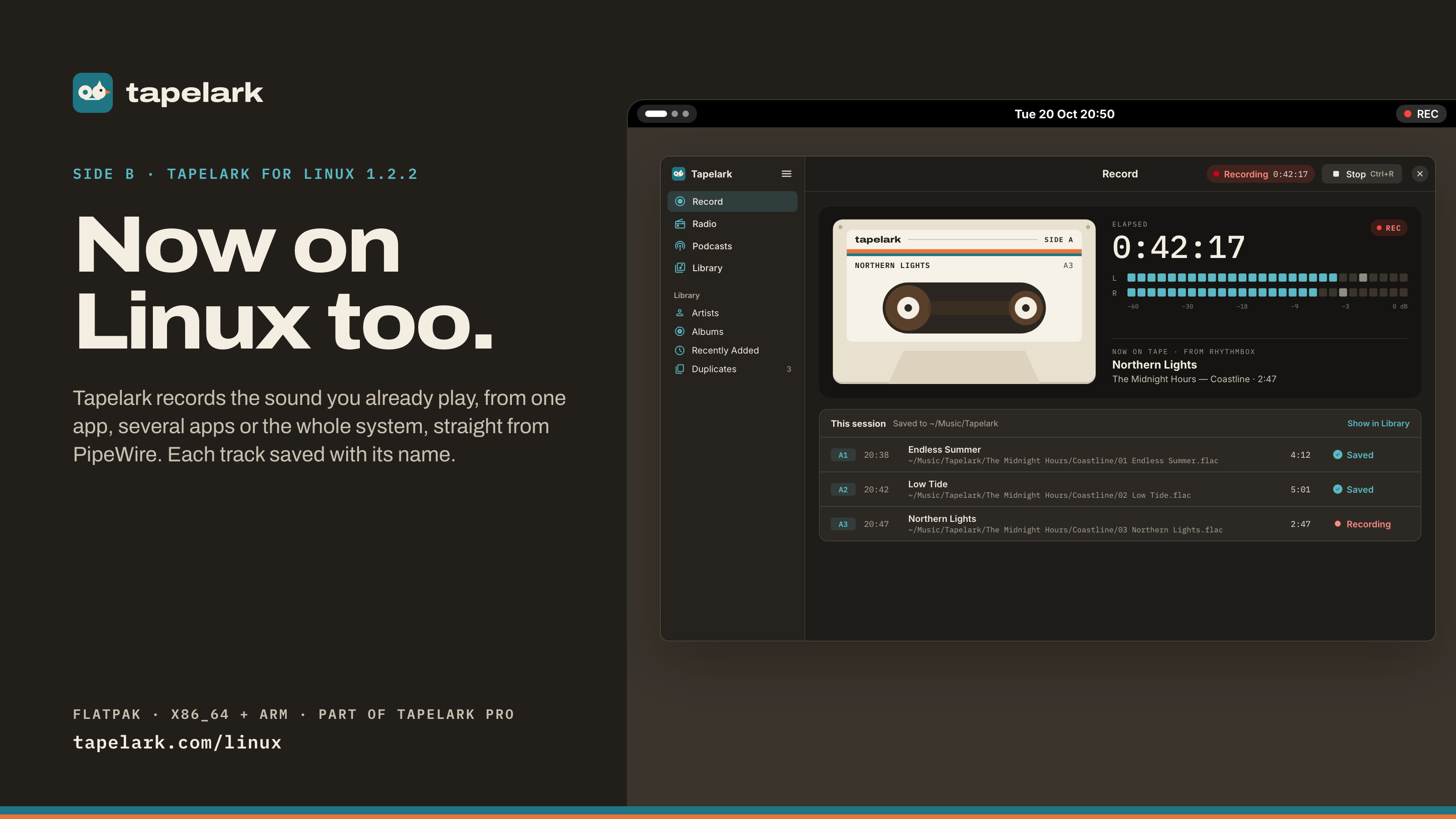
Post 16:9, dark3200 × 1800 PNG
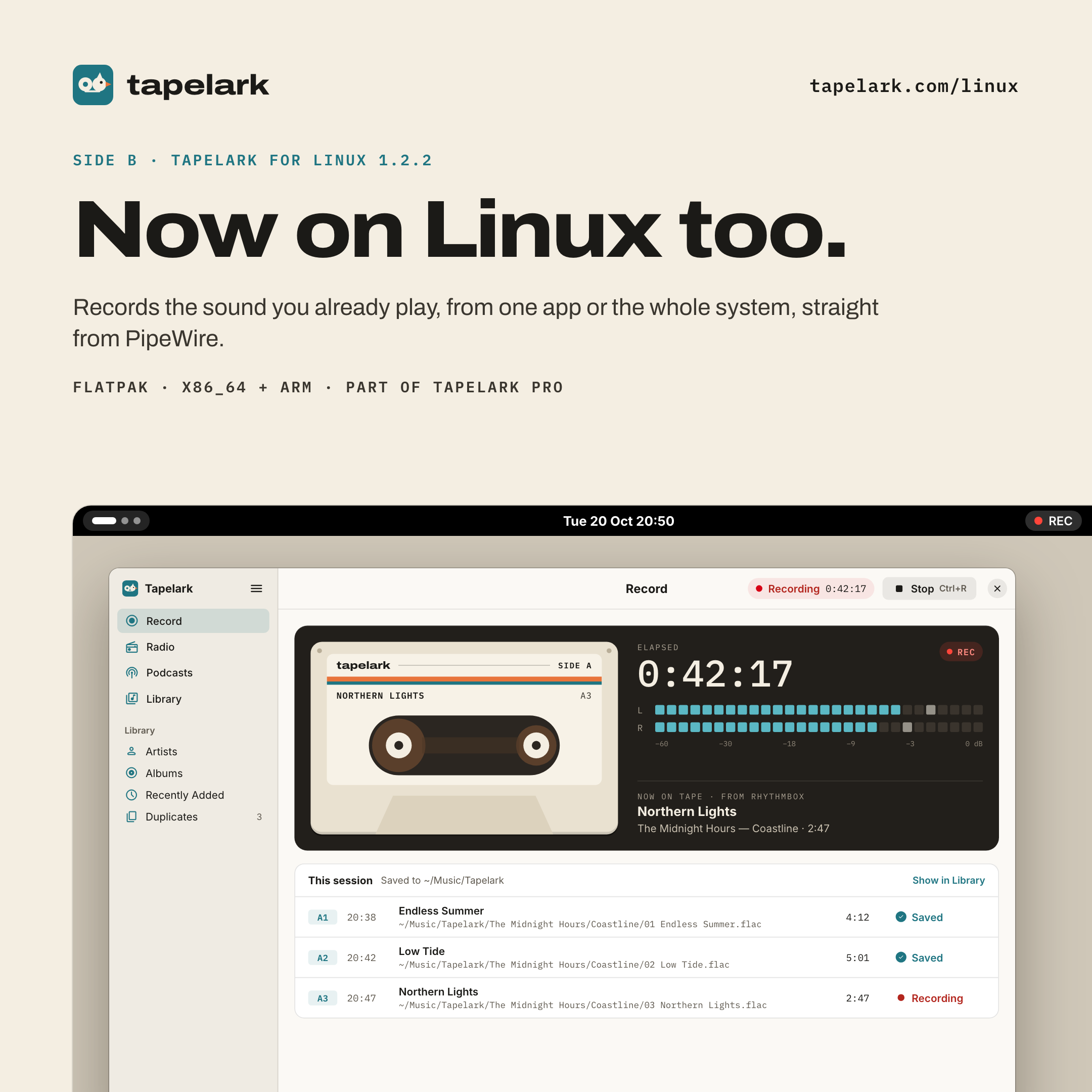
Square post, light2160 × 2160 PNG
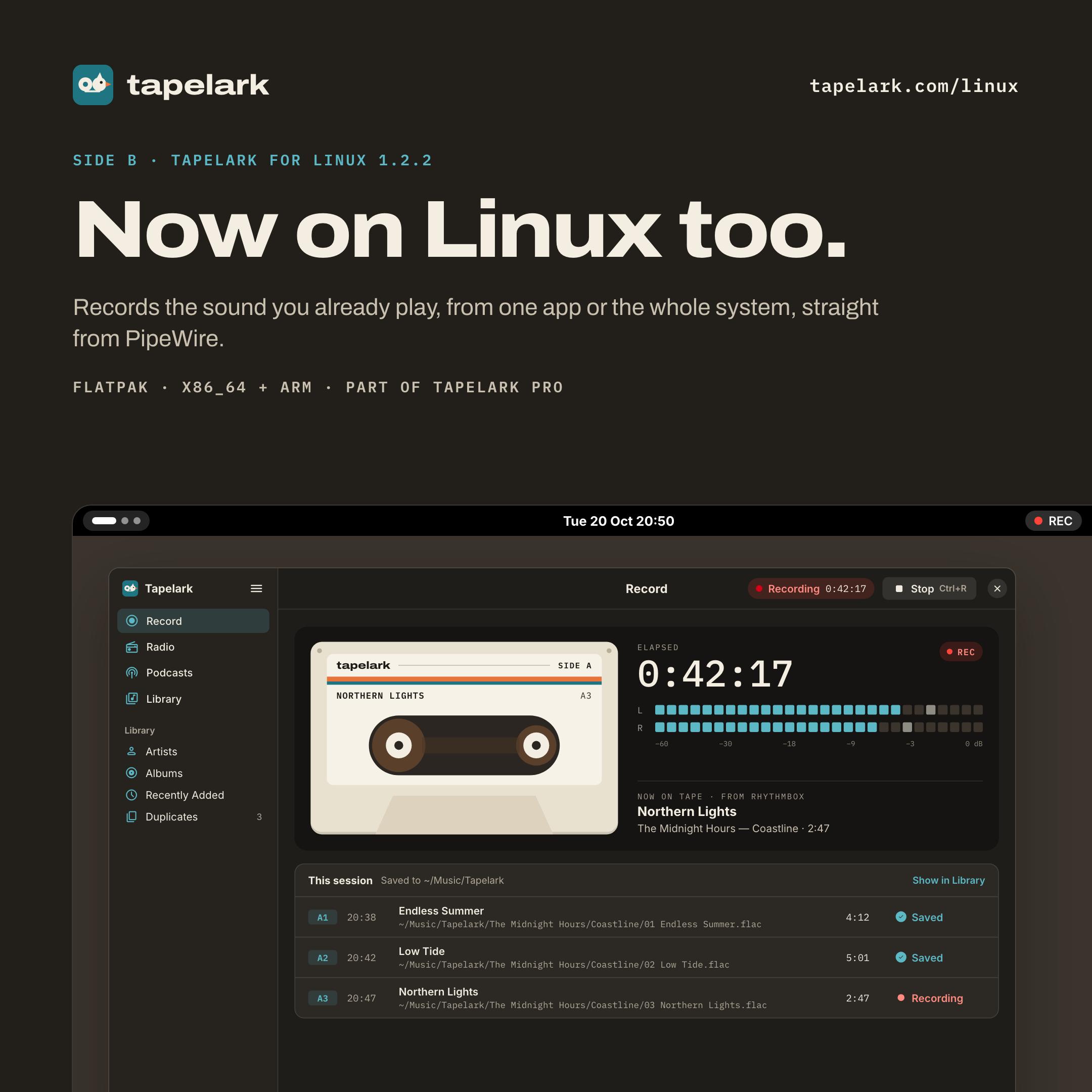
Square post, dark2160 × 2160 PNG
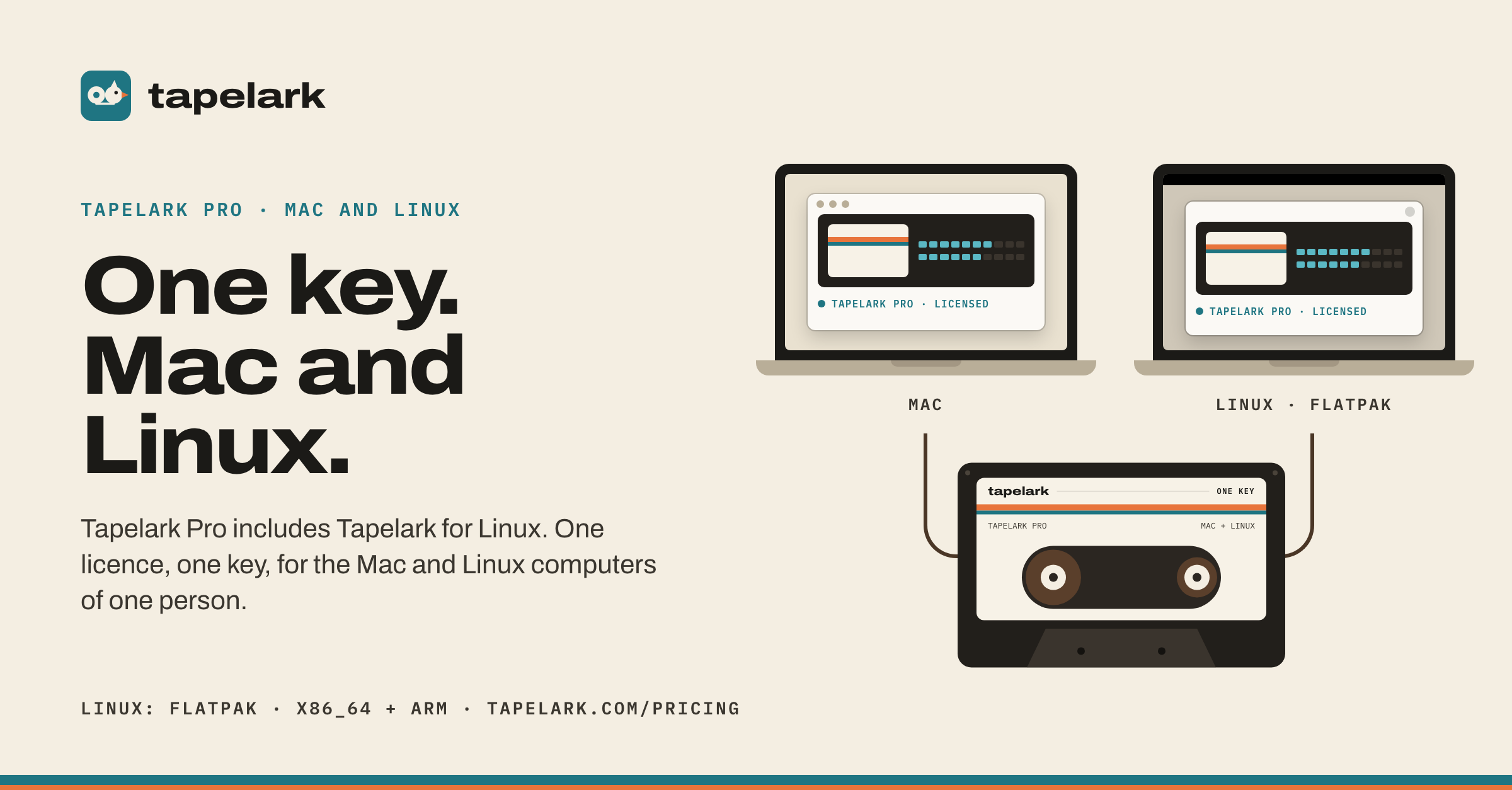
One key, Mac and Linux2400 × 1254 PNG
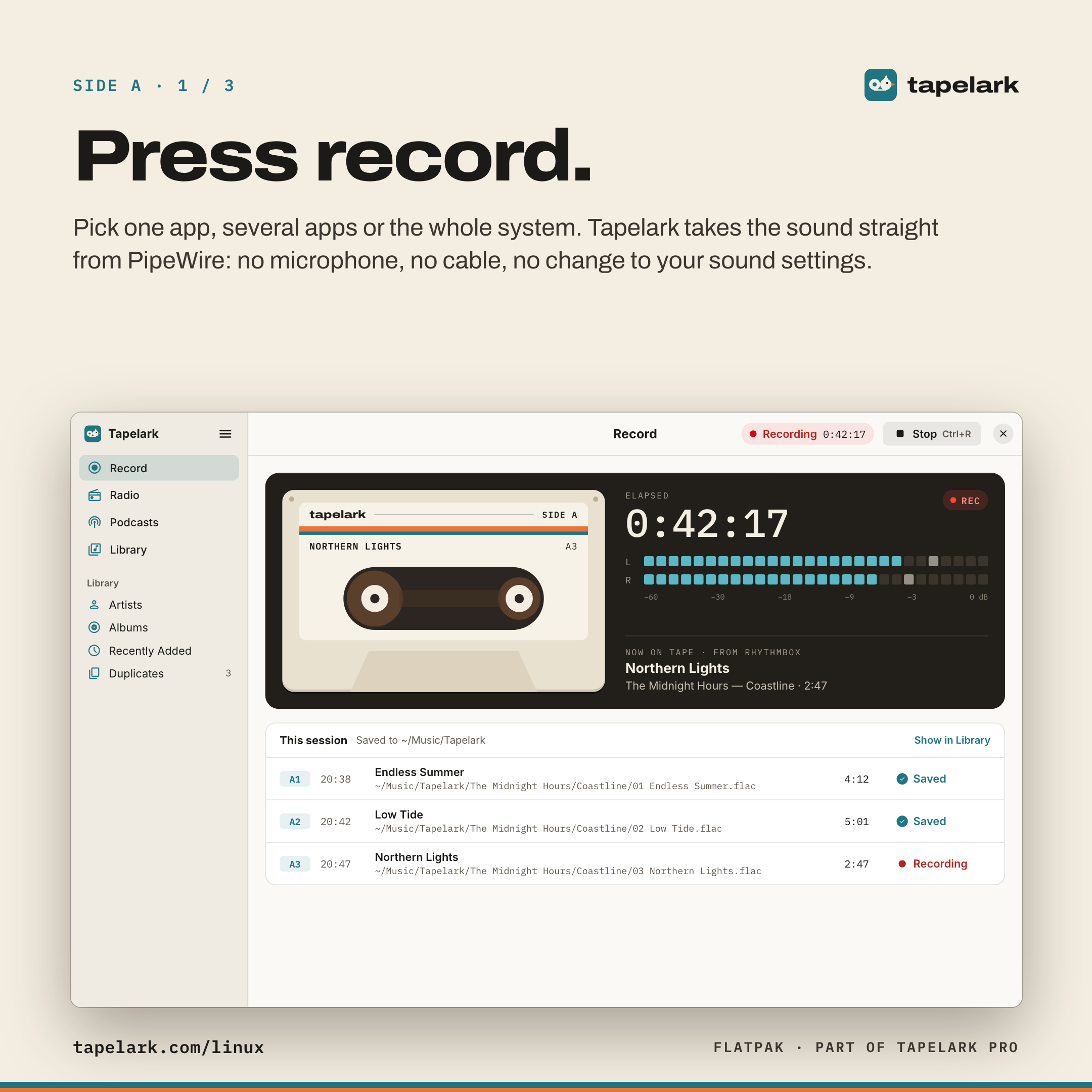
Carousel 1 / 3: Press record2160 × 2160 PNG
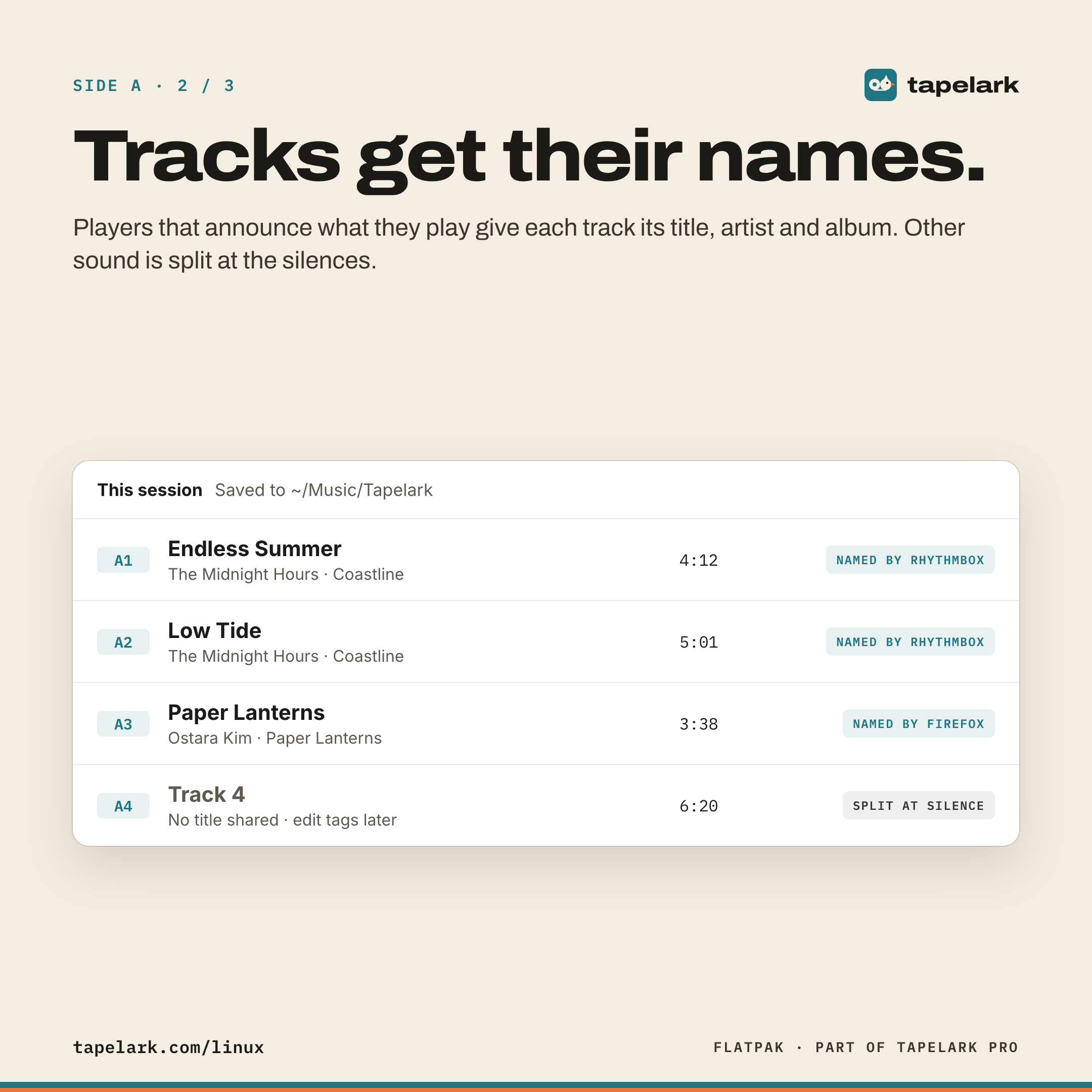
Carousel 2 / 3: Tracks get their names2160 × 2160 PNG
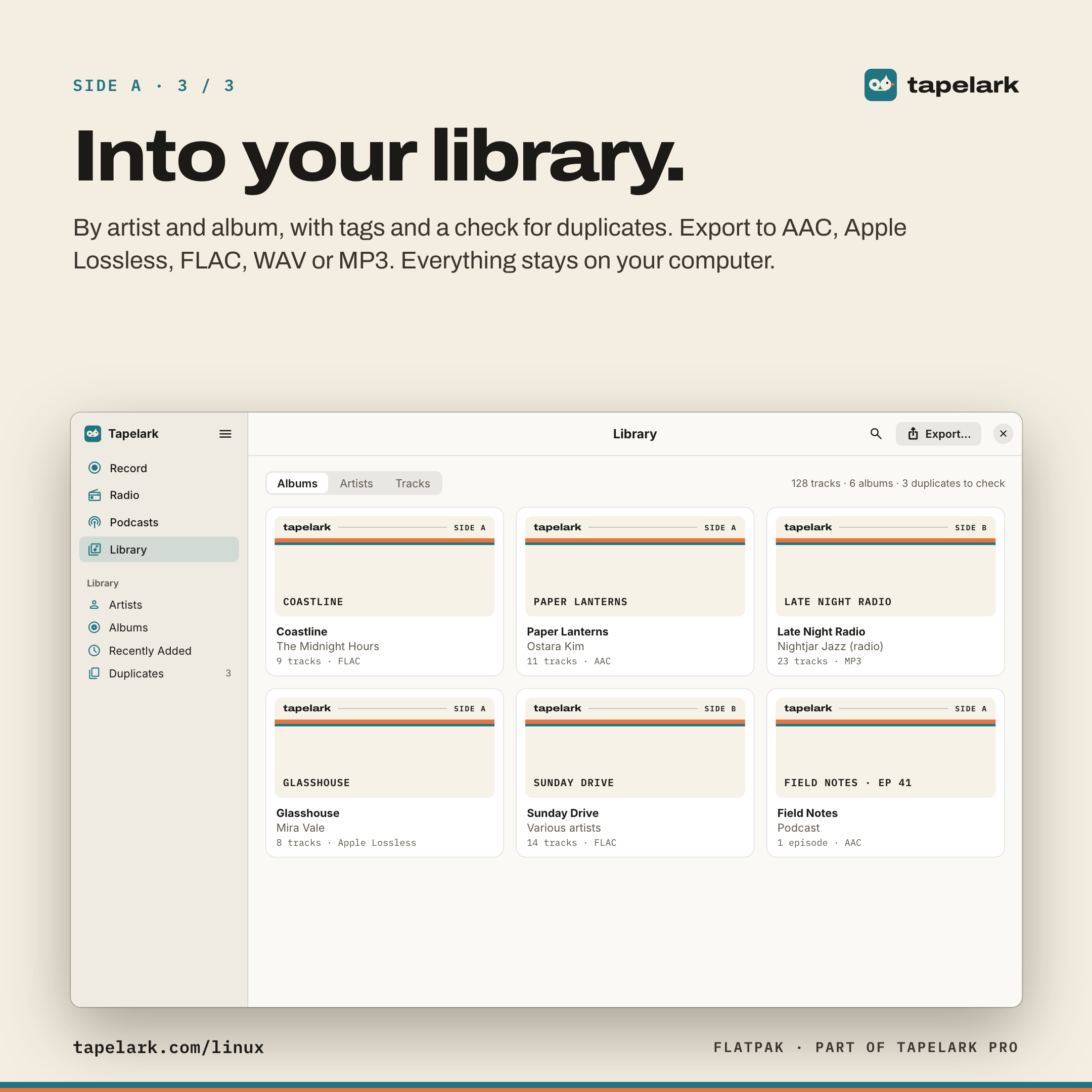
Carousel 3 / 3: Into your library2160 × 2160 PNG
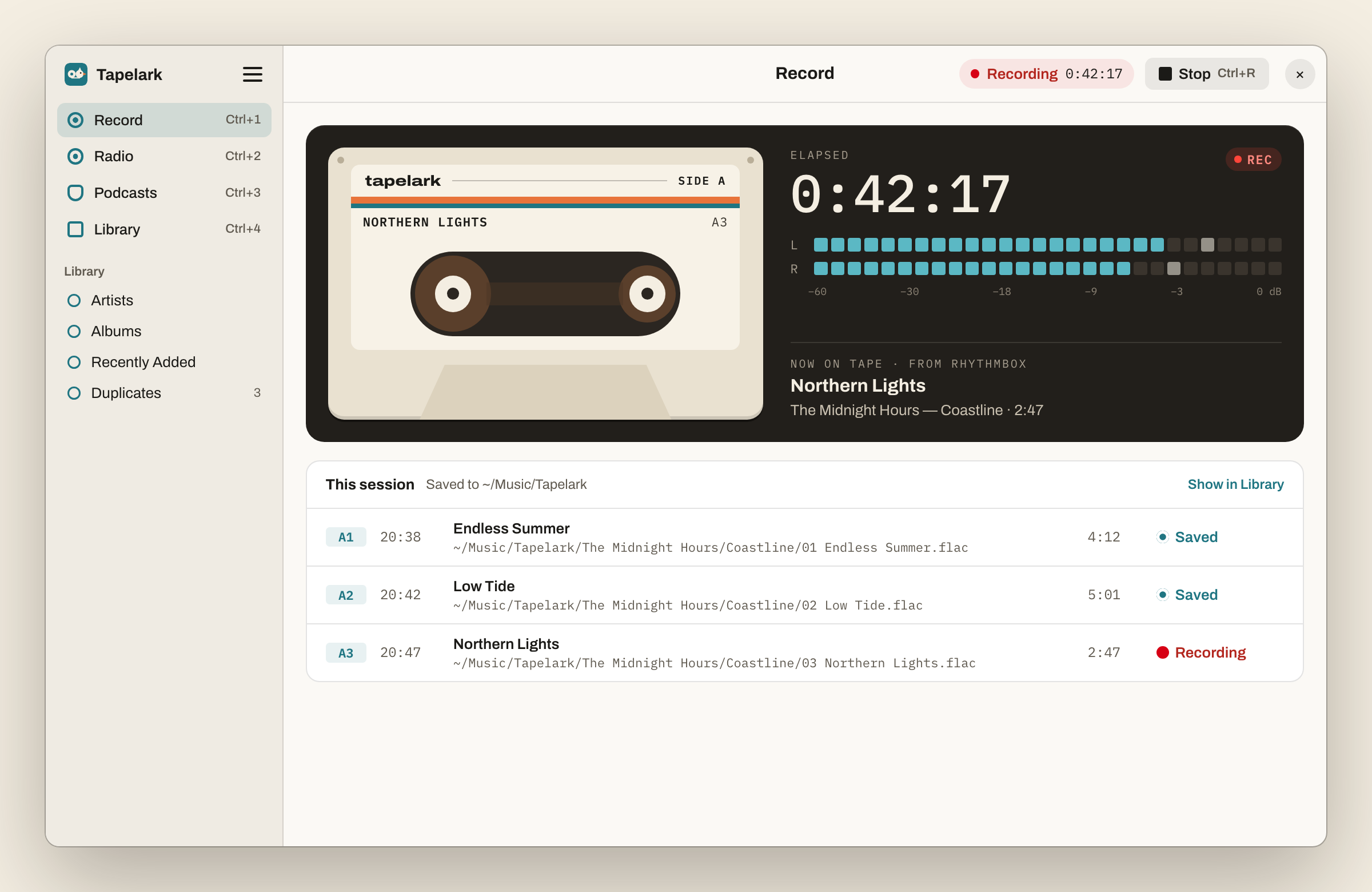
The Linux window, recording2400 × 1560 PNG
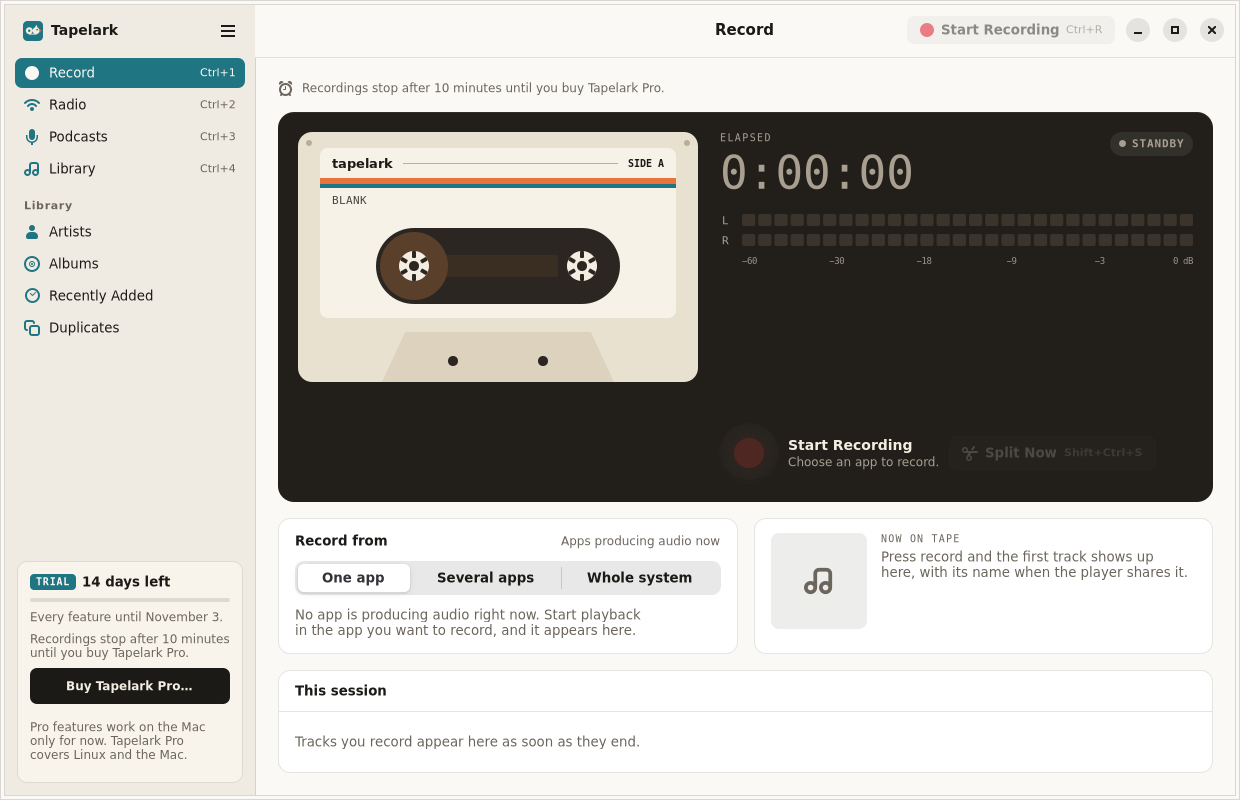
Tapelark under GNOME1240 × 800 PNG
Logo and icon
Logo lockups1200 × 520 PNG

Logo on cream1200 × 400 PNG

Logo on black1200 × 400 PNG

Logo on teal1200 × 400 PNG
App icon1024 × 1024 PNG, also as SVG

The mark is two reels of a tape; the right one has a crest, a beak and an eye: the lark. Please keep the mark and the wordmark as they are — no new colours, outlines, shadows or stretching — and write the name as Tapelark in running text (the logo itself is lowercase).
Colours and type
- Tape Teal#1F7582
Accent, app tint - Deck Black#221F1B
Dark panels, ink - Label Cream#F4EEE2
Backgrounds - Leader Orange#E8743B
Stripes, beak; never text - Record Red#D70015
Recording only
Headlines and the wordmark are set in Archivo Expanded (weight 800, width 112–125), reading text in Archivo, and labels, counters and paths in IBM Plex Mono. The app itself uses the system font.
Images for sharing

Share image1200 × 630
Share image, German1200 × 630
Share image, Danish1200 × 630
GitHub preview1280 × 640

X header1500 × 500

LinkedIn banner1584 × 396
Instagram post1080 × 1080

YouTube banner2560 × 1440
Screenshots of the Mac app are in the press release. For anything else, write to support@tapelark.com.